Quick start
A check crawls a website and opens a report. The report has five tabs. This page is the short version of each one.
Crawl


How many addresses were found, how many belong to this website, and how many pages were read. From here you can check for new pages, check for pages that changed, or open every page again. Those checks need a plan.
URLs
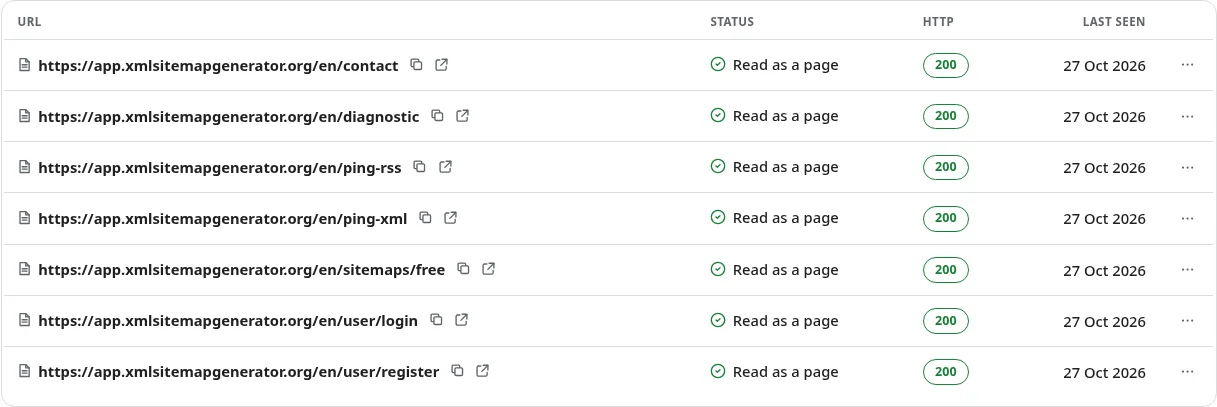
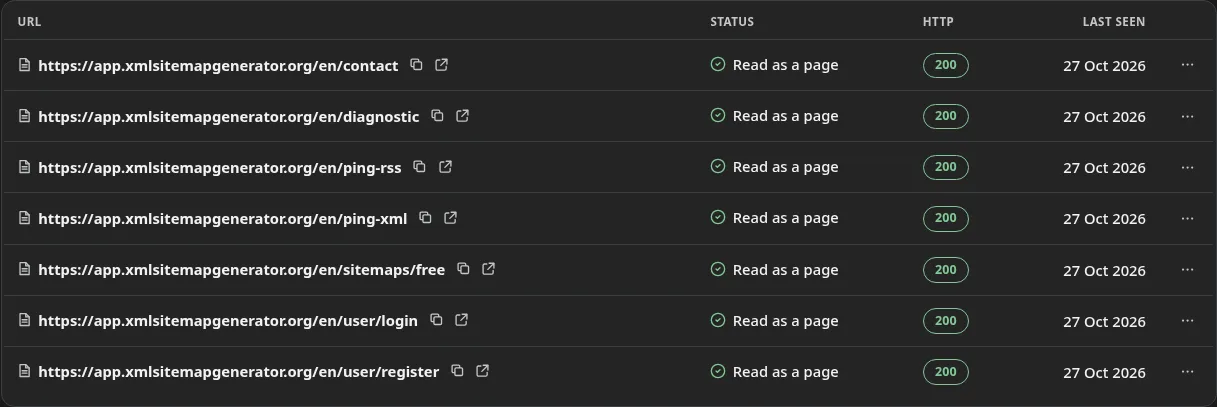
Every address the check saw, with its status, HTTP code, and when it was last seen. Open an address for the pages that link to it, the pages it links to, and its images.
Sitemap


Eligible, included, excluded, and image counts, plus why URLs were left out. Download sitemap.zip when the crawl has finished.
Pages


The pages that can go in the sitemap, with included, priority, frequency, and last modified.
Settings
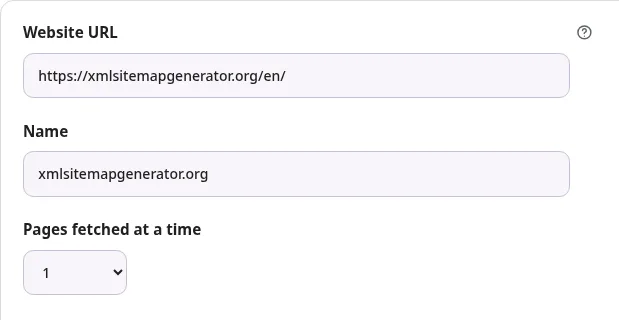
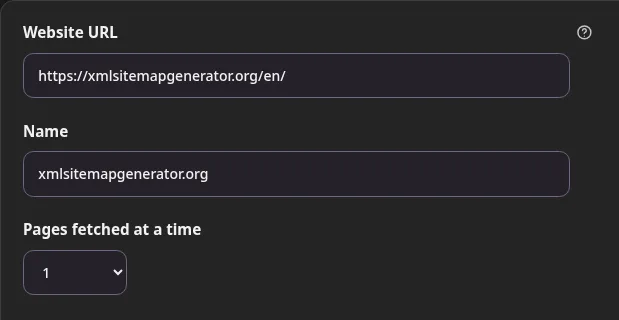
Crawl entry points, filters, and exclusion rules, plus the sitemap defaults. A guest can look. Saving needs a plan.