Sitemap help
The Sitemap tab is the summary of the file. It appears when the crawl is complete or has hit the page cap. Until then it says the sitemap is not ready.
Counts


Eligible is the pages and documents the crawl found. Included is what was written into the sitemap. Excluded is what was left out. Images is the number of images included with pages. The images figure is a count. It does not open an image browser.
Inclusion
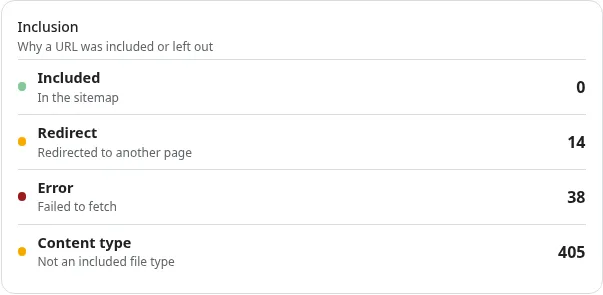
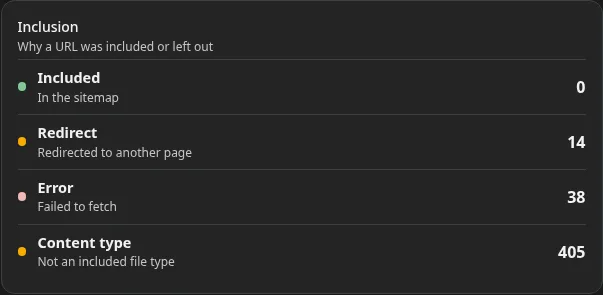
The inclusion list shows why a URL was included or left out: included, redirect, error, or content type. When the file contains more than one kind of document, a second list shows those types.
Download


Download sitemap saves sitemap.zip. The package contains sitemap.xml, the RSS files, sitemap.txt, and sitemap.htm. It does not contain a sitemap index.