Crawl help
Check again
The buttons above the tabs start another check of this website.


Check for new pages looks for addresses that were not in the last crawl. Check for new and updated does that and also opens pages that have changed.
A guest sees the plan gate on these actions. Sign up to run them.
URLs found, internal URLs, and pages parsed


The three figures at the top are the unique addresses discovered, the unique addresses on this website, and the HTML pages that were processed. The fourth tile is the page quota: pages parsed against the website's page allowance, such as 100/1,000. When the crawl reached that allowance, the figure is orange and the tile says Over quota.
URLs found
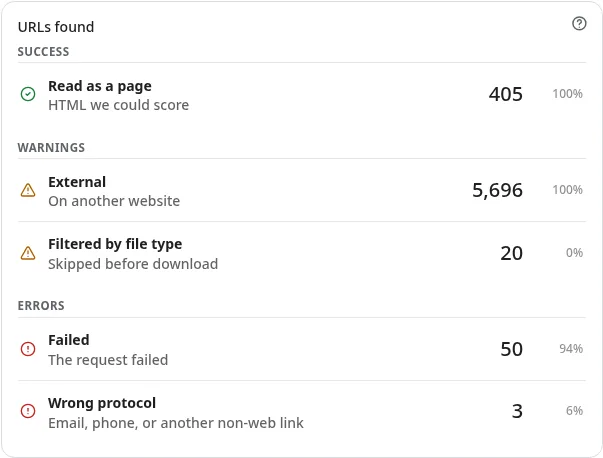
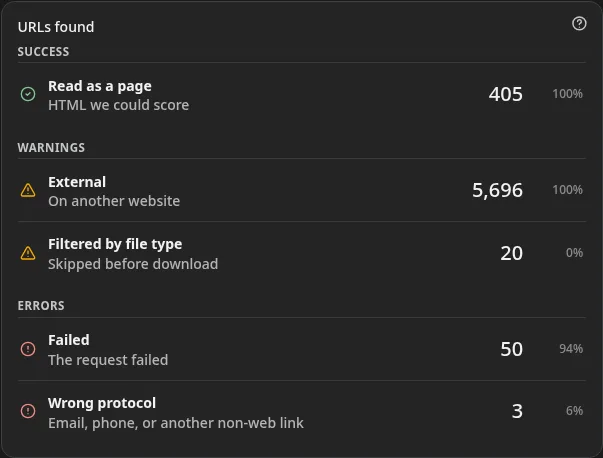
The list groups addresses as Success, Warnings, Errors, and Not requested. When the crawl hits its page limit, that last group is Over quota instead.
Each row opens the URLs tab filtered to that status. The statuses that can appear are: read as a page, unchanged, not a page, same page, external, filtered by file type, failed, wrong protocol, bad link, and not opened.
Content type
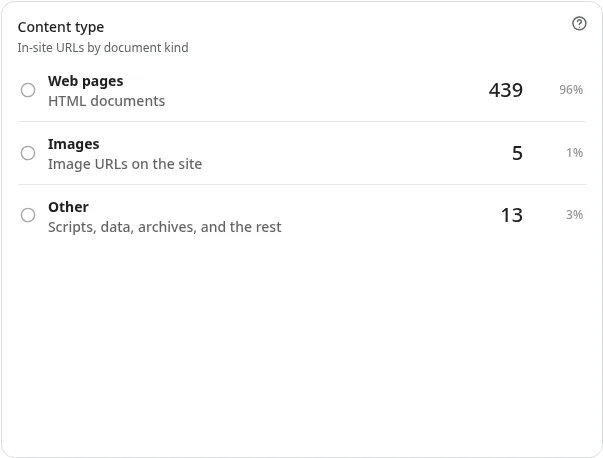
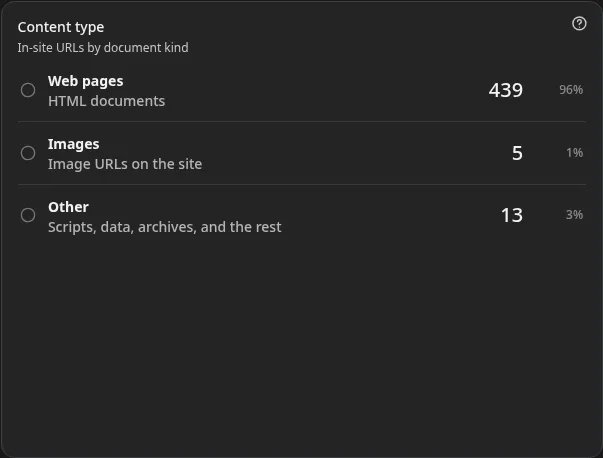
In-site addresses grouped by kind: web pages, PDF, office docs, images, other, and unknown. The share is of those in-site addresses.
Last modified
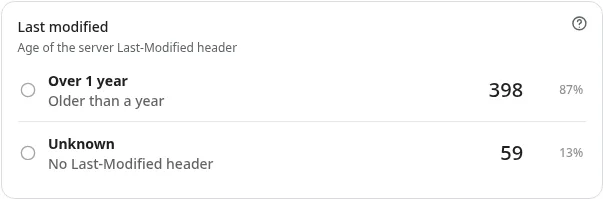
Age buckets for when a page last changed, taken from the server Last-Modified header. Unknown means that header was missing.
Crawl log


Each row is one crawl: when it ran, its status, the type of check, how long it took, and the page count. Added, updated, removed, and unchanged compare that crawl with the one before it. The newest row links to the progress page.