Settings help
A guest can view settings and cannot save them. A signed-in owner with a plan for this website can save.
The settings screen has two panes: Crawl and Sitemap.
Crawl
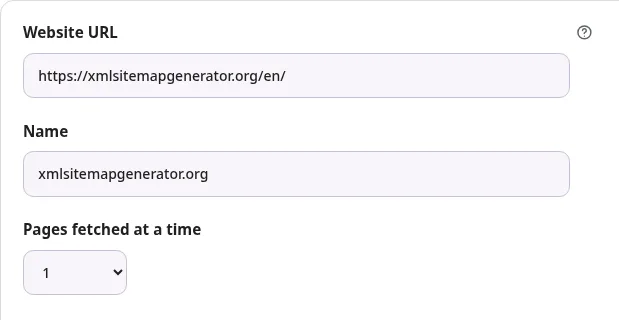
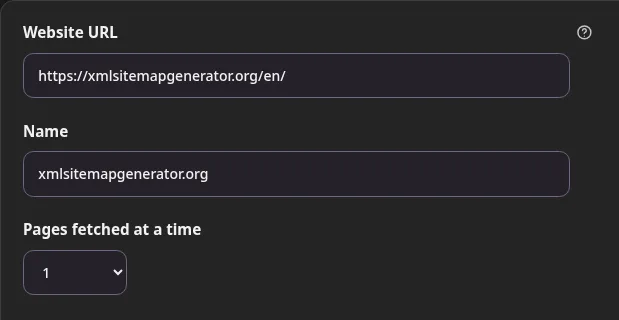
Website URL is read only. Name is the label used for this site. Pages fetched at a time is how many pages are requested together.
Key pages
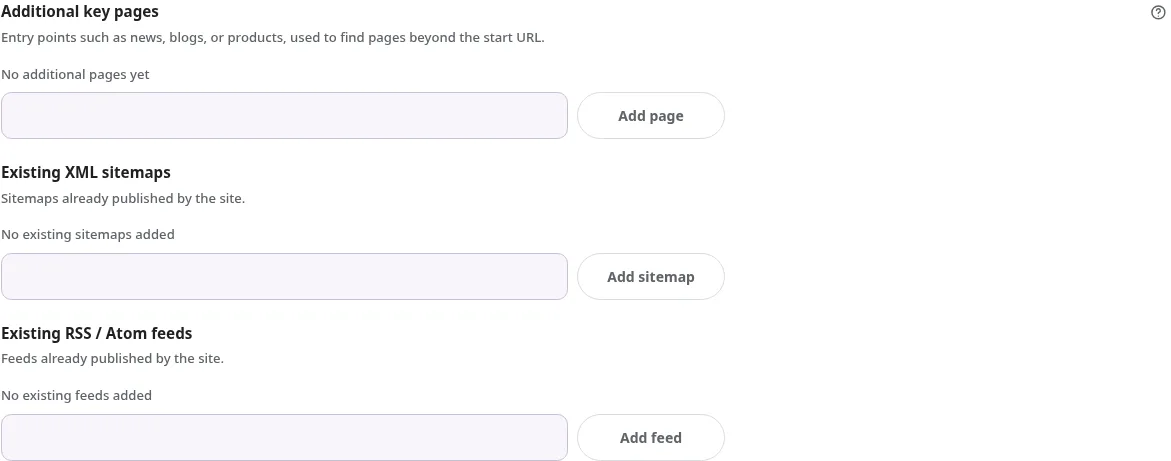
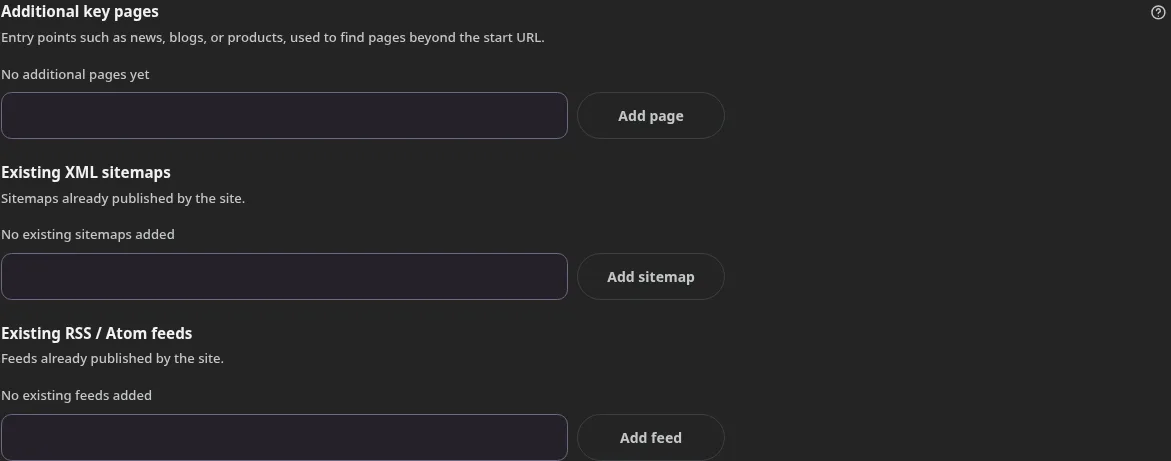
Key pages are extra entry points, such as news, blogs, or products. An empty list is allowed.
Query parameters and ignored file types
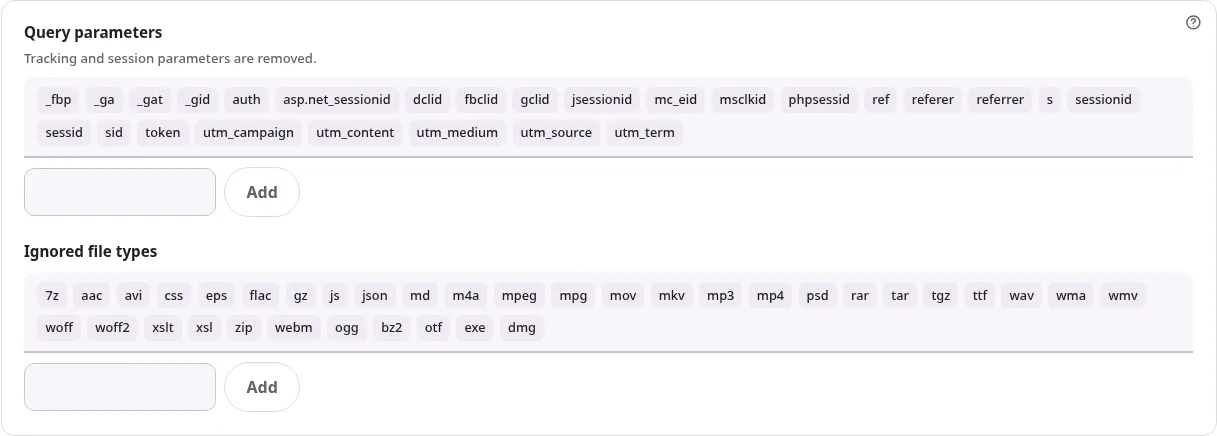
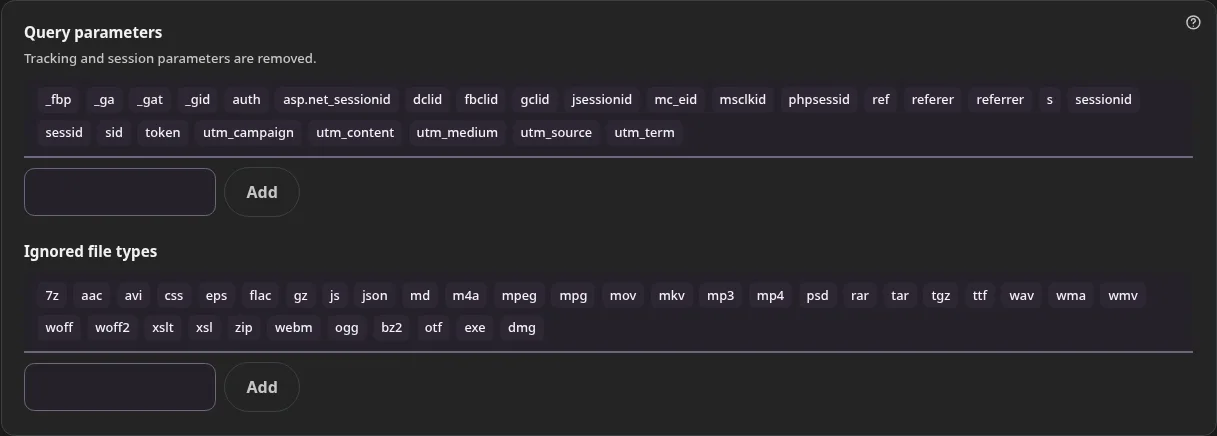
Query parameters are tracking and session parameters that are removed. Ignored file types are extensions the crawl skips. The locked chips are built in. Added chips can be removed. PDF, office, and image files stay available for the sitemap.
Exclusion rules


A match drops the address from the crawl. The match types are: begins with, ends with, contains, does not contain, equal to, not equal to, and regular expression. These are crawl rules. There is no separate sitemap include or exclude rule list.
Crawl changes apply the next time pages are checked. Saving them does not rebuild the ZIP by itself.
Sitemap
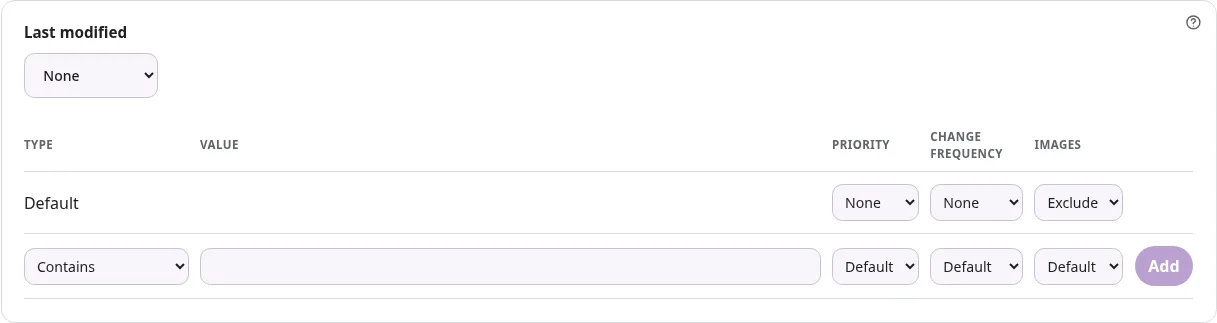
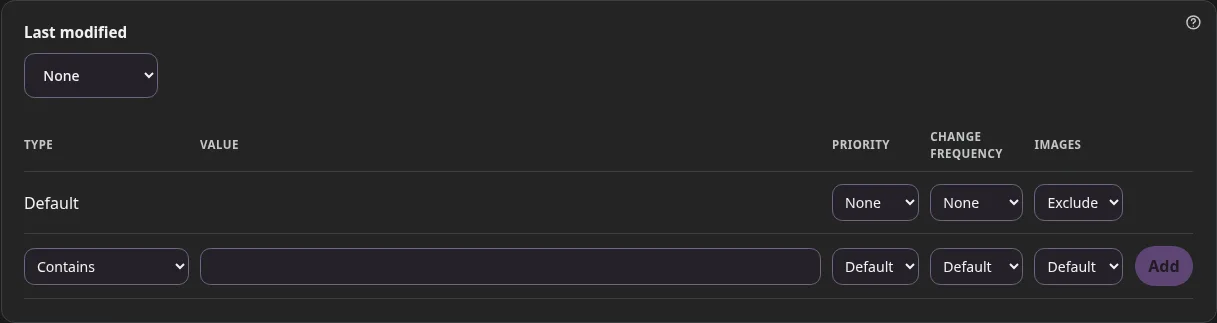
Last modified sits above the table and applies to every URL. None leaves the date out. Server date uses the date the server reports. Today’s date uses the day the file is built. A free crawl starts at None.
Other file types are non-HTML extensions included in the sitemap, such as pdf or docx. The list starts with the product defaults. Remove a type to leave it out. Do not add html, php, or other page types.
The first row of the table is the default for frequency, priority, and images. None leaves that attribute out of the file. Images are Include or Exclude. A free crawl starts at None for frequency and priority, and Exclude for images.
Rows under the default are rules. A rule matches a URL: begins with, ends with, contains, does not contain, equal to, not equal to, or a regular expression. A value that starts with / is also compared with the path and query string. The first matching rule sets frequency, priority, and images. Default on a rule uses the first row. Rules do not drop URLs.
Saving this pane rebuilds sitemap.zip from the pages already crawled, when a crawl has finished. If the crawl has not finished, the values are stored and the file is built when it finishes.